
Patients want the invoice by email, insurers want a PDF, accountants want a file. All three come from the same invoice.
Print or email
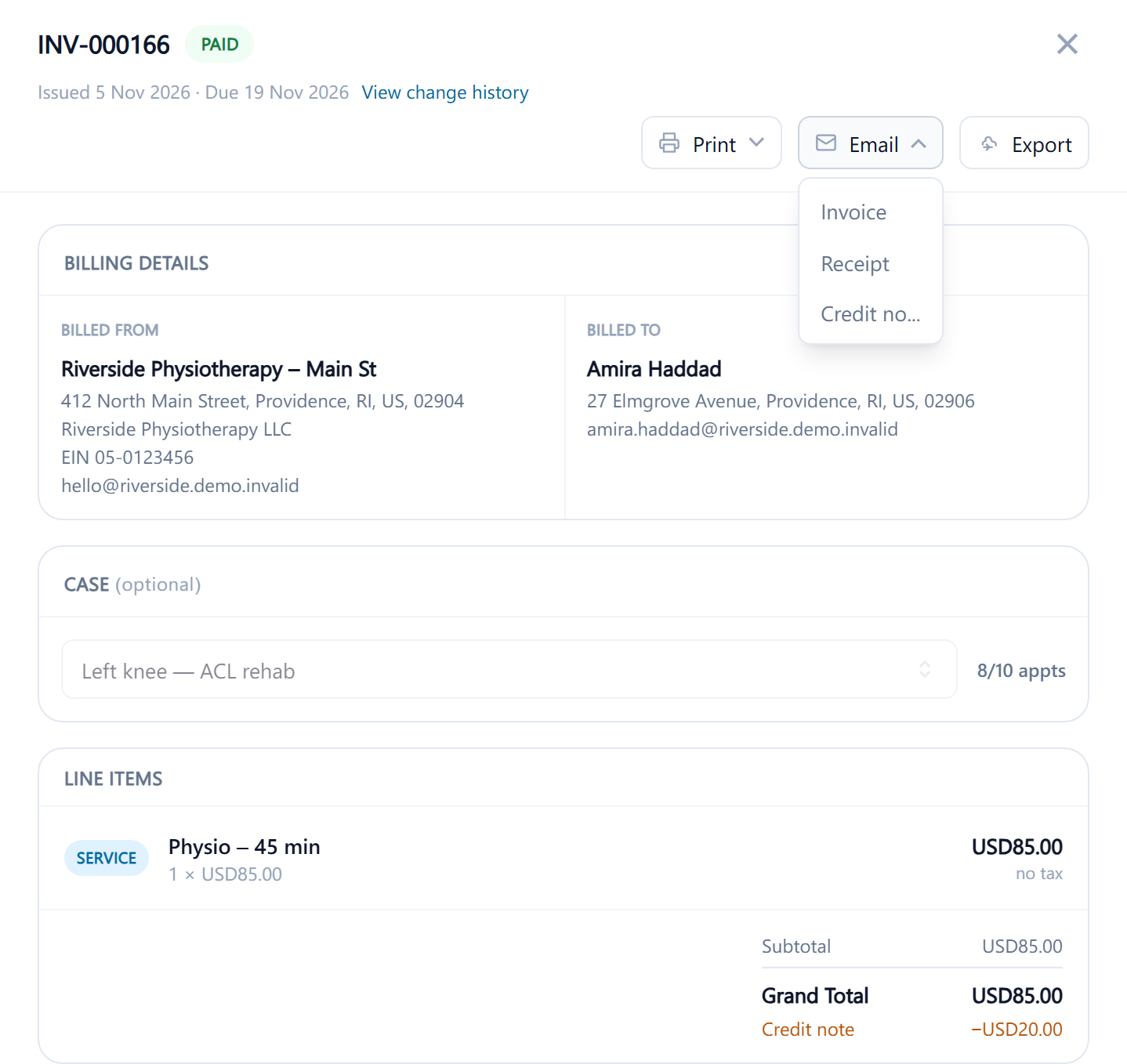
Open the invoice. Print and Email each offer three documents: the Invoice, a Receipt for what's been paid, and the Credit note when a refund has been made. Print produces a PDF to print or save. Email opens the send form with the patient's address filled in, or the Email invoice to address from their Billing section if one is set, and uses the matching email template from Invoice Settings: the paid-invoice wording for a paid invoice, the outstanding wording for one with a balance, the credit-note wording for a credit note. You can change the address and the text before sending.
If the patient's location has Email invoices and receipts switched off under Patient Privacy, Email isn't offered. The email, and the PDF it carries, are recorded in the patient's communication log.
Send it with a way to pay
For an unpaid invoice, the payment link action sends the invoice PDF together with a link the patient can pay from, by email or SMS. See Send a payment link.
Export to cloud storage
If Google Drive or OneDrive is connected under Apps Integration, the export action on the invoice saves the PDF to that drive, named by its invoice number. See Apps Integration.