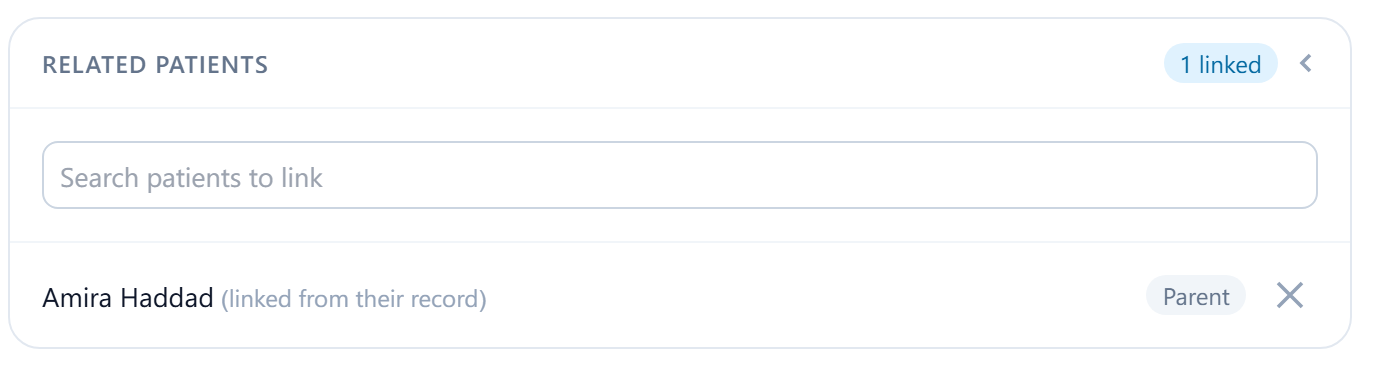
Families, carers and couples share invoices, contacts and sometimes consent. Relating records to each other keeps that visible without merging people who aren't the same person.
Add a related patient
Related patients are people in your patient list connected to this one: a parent and child, a couple, siblings who all attend. The link is a note for staff; it doesn't share billing, messages or records between them.
On the patient's Details, select Edit details and find Related patients
Search by name and pick the other patient; their date of birth is shown to tell similar names apart.
Choose the relationship
Parent, Child, Spouse, Sibling, Friend, Relative or Other. The relationship is what this person is to the patient you're editing. Saving without one is refused: Choose a relation type for each linked patient.
Save
The link appears under Related patients with the relationship.