
Placeholders are the tokens that turn one template into a personal message: the patient's name, the time, the practitioner, the cancel link. This is the full list and what each fills in.
How placeholders work
A placeholder is a token in a template, such as {Patient.FirstName}, that ClinyPal replaces with the real value when the message is sent. Beside every template editor, lists headed Patient, Appointment, Practitioner, Business, General and Invoice insert one at the cursor; a template only offers the groups that make sense for it, so a broadcast has no Appointment group and only invoice emails have Invoice. A placeholder with nothing to fill, such as a mobile number the patient doesn't have, comes out blank, so read a preview with a real-looking patient in mind.
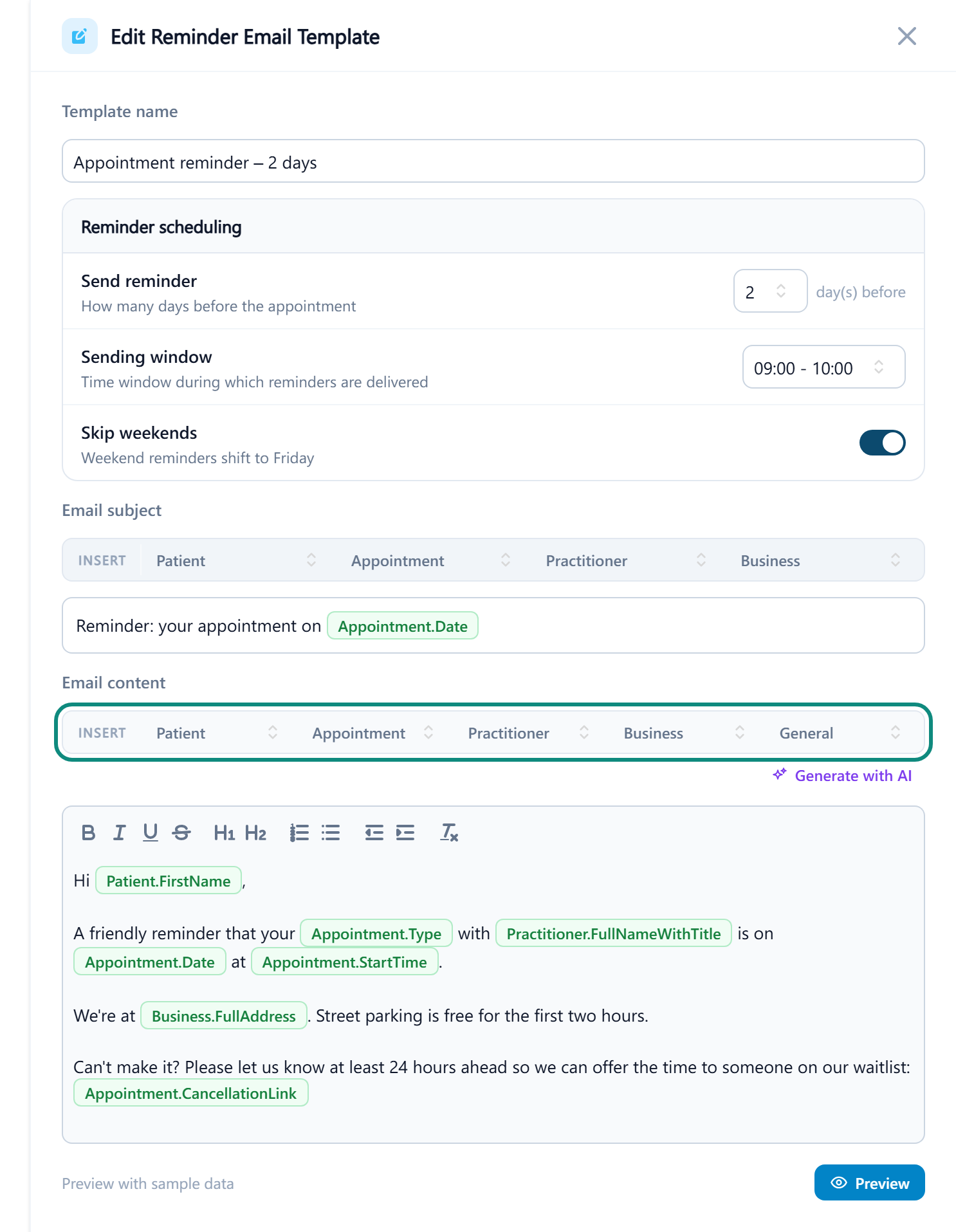
The placeholders
| Group | Placeholder | Fills in with |
|---|---|---|
| Patient | First Name, Last Name, Full Name, Preferred Name | The patient's names; Preferred Name falls back to the first name when none is set |
| Patient | Date of Birth, Email, Mobile | From the patient's details |
| Patient | Next Appt Date, Next Appt Time | The patient's next booked appointment; follow-up and recall templates only |
| Appointment | Date, Start Time, End Time, Type | The appointment the message is about, in the location's time zone |
| Appointment | Cancel Link | The link the patient uses to cancel online, within the clinic's minimum notice period |
| Appointment | Telehealth Link | The join link for a telehealth appointment; blank for an in-person one |
| Practitioner | First Name, Full Name, Specialty, Phone | The practitioner on the appointment, Specialty from their Designation |
| Business | Name, Address, Phone, Website | From Business Information for the appointment's location |
| General | Today's Date | The date the message is sent |
| Invoice | Invoice #, Issue Date, Due Date, Issued To, Subtotal, Tax Amount, Total, Outstanding Balance, Status, Notes | The invoice being emailed; invoice emails only |