
The audit log is the record of who did what in ClinyPal: sign-ins, exports, deletions, permission changes. It's the report you open after a complaint or a breach, so know it exists before you need it.
What it shows
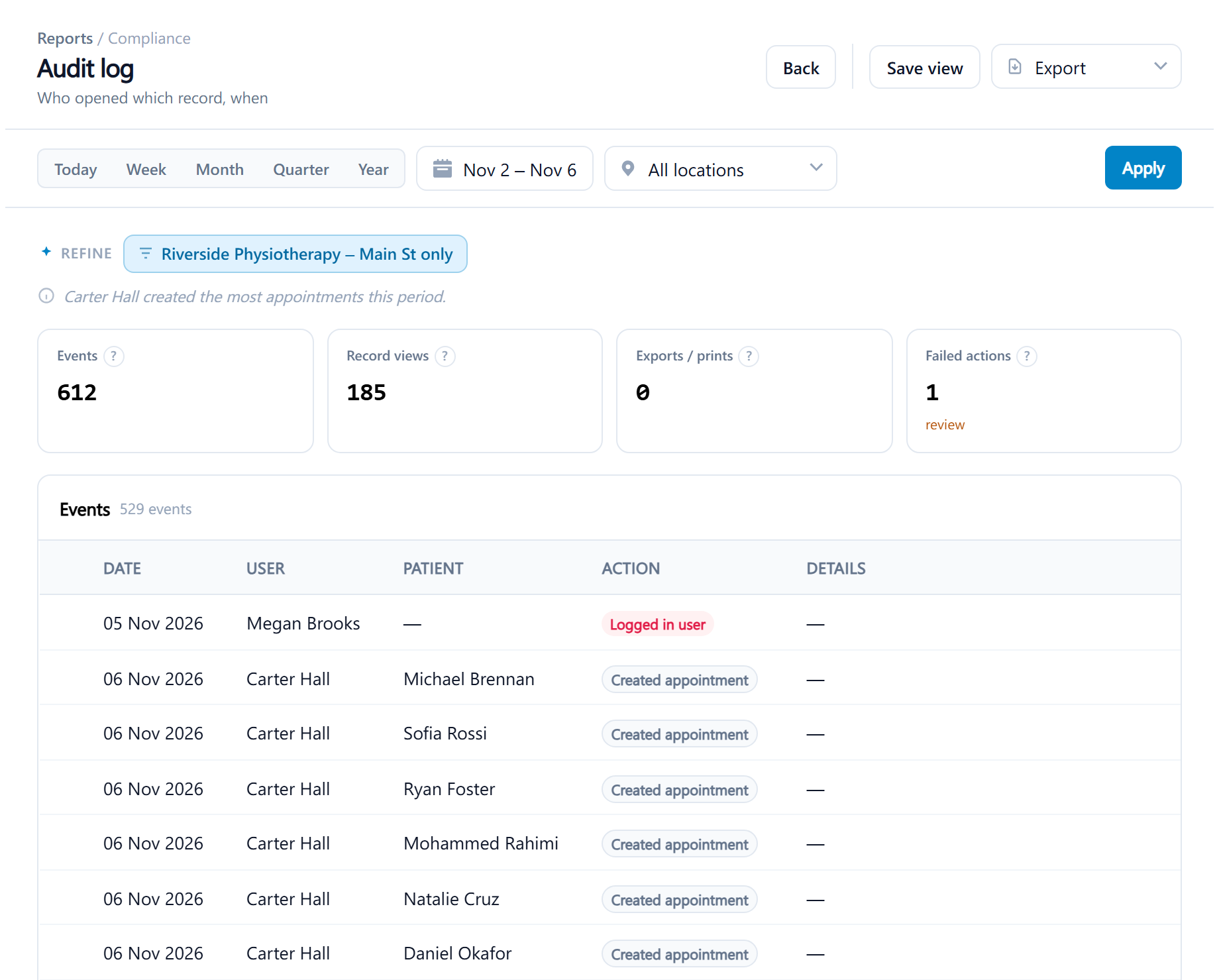
The audit log records record views, downloads and prints, sign-ins, and creates, updates and deletes across the clinic, each with the user, the patient and the action. Headline figures count events, record views, exports and prints, and failed actions. Only Administrators can run it, and staff can't edit or delete entries. Because the entries aren't tied to a location, a location-restricted viewer sees what their location's patients and users produced.
Filters: a date range with the presets Today, Week, Month, Quarter and Year or a custom range, a location. It needs the audit reports permission, which only Administrators have.
Reading it
Headline figures: Events, Record views, Exports / prints, Failed actions.
Columns: Date, User, Patient, Action, Details.
Acting on it
Use it to answer a patient asking who has seen their record, and to check unexpected access. One patient's own trail is quicker from the History button on their record. Failed sign-ins appear as failed actions.